
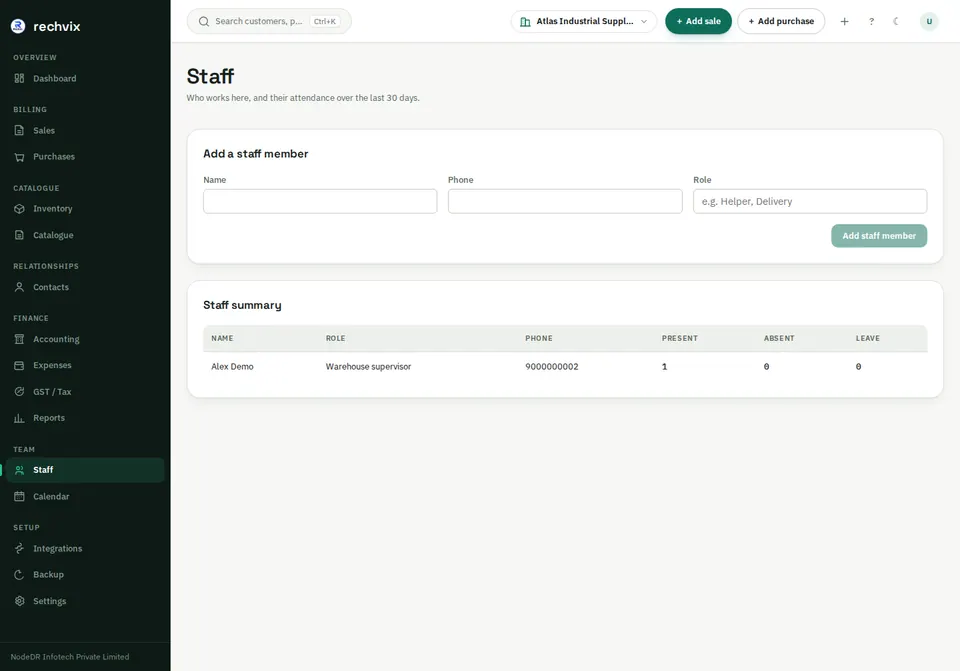
Staff — /staff
Enter the member's name, phone and role title, then Add staff member. The summary shows attendance counts. A staff record is not automatically a sign-in account; create logins separately in Settings → Team.
 Open image in a new tab
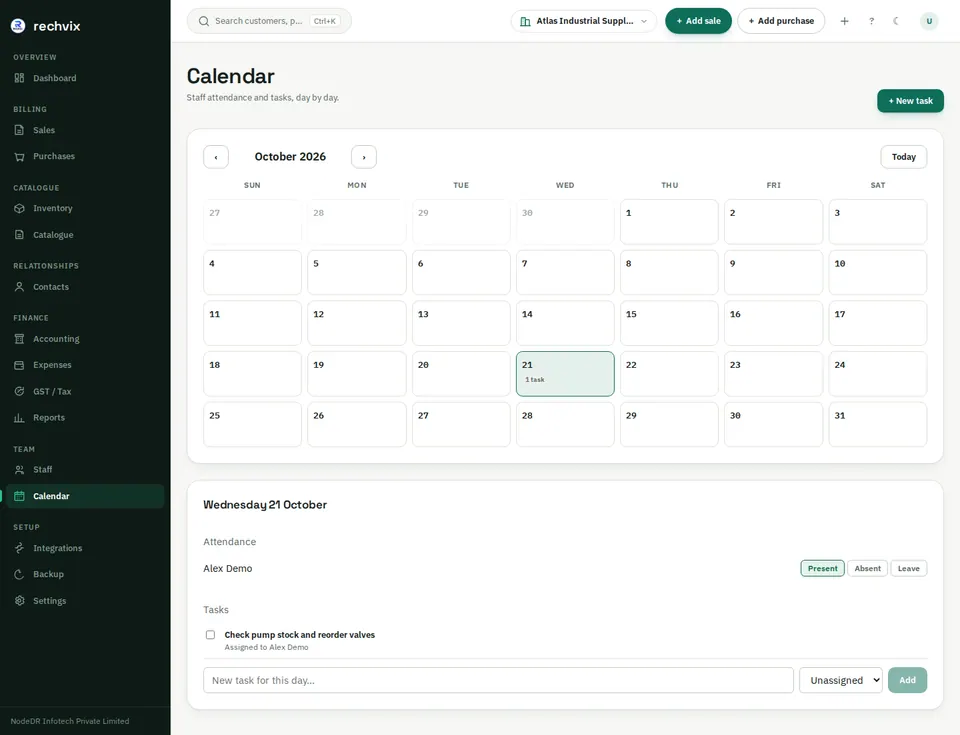
Calendar — /calendar
Move between months with the arrows or Today. Select a day to view tasks and attendance. Mark each staff member Present, Absent or Leave. Review the selected date before saving so the entry is recorded on the correct day.
 Open image in a new tab
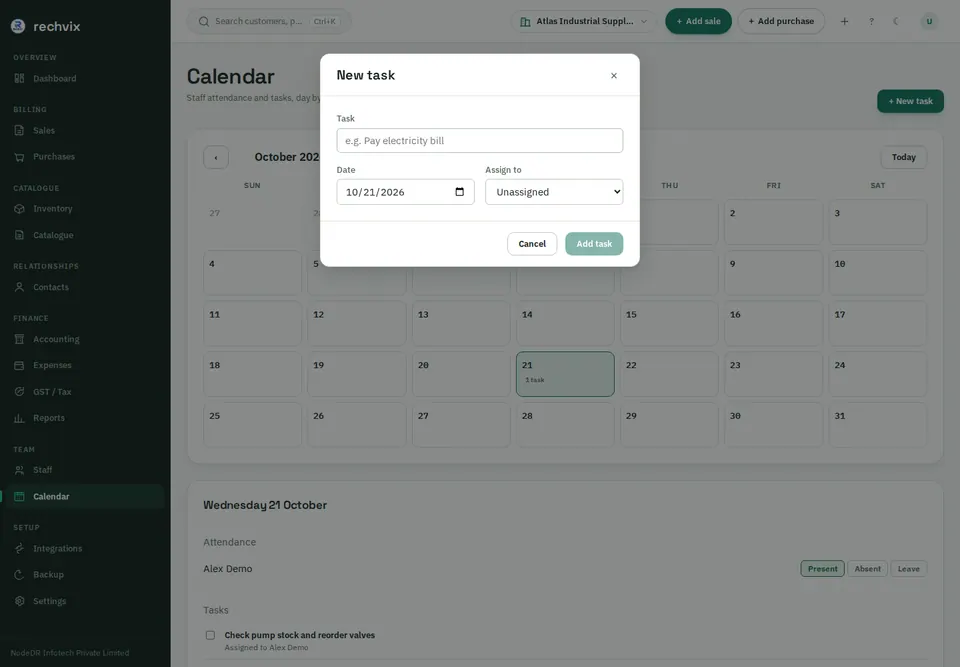
Choose + New task, enter its title, due date and optional assignee, and add it. Mark a task complete when finished; change its status back if correction is needed.
 Open image in a new tab