
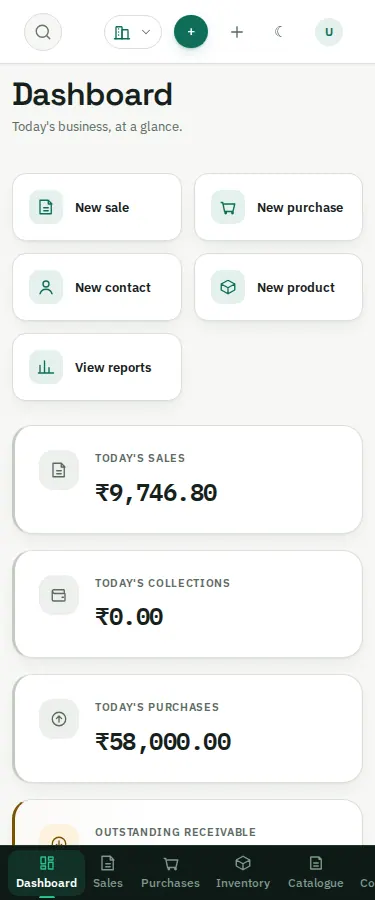
Open the same app URL in a mobile browser and sign in. The bottom navigation scrolls horizontally: swipe it sideways to reach destinations beyond the initially visible ones. The top bar keeps compact search, company, creation and account controls. Long pages scroll vertically; wide data tables may have their own horizontal scrolling region.
 Open image in a new tab
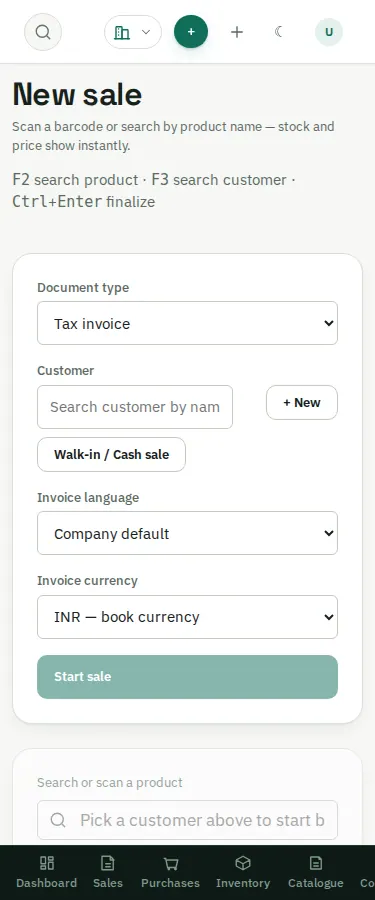
The invoice controls stack on a phone. Choose or create the customer, start the sale, add items and review quantities/totals before finalizing. Scroll down to the totals/actions; they may not fit in the first screen.
 Open image in a new tab
 Open image in a new tab
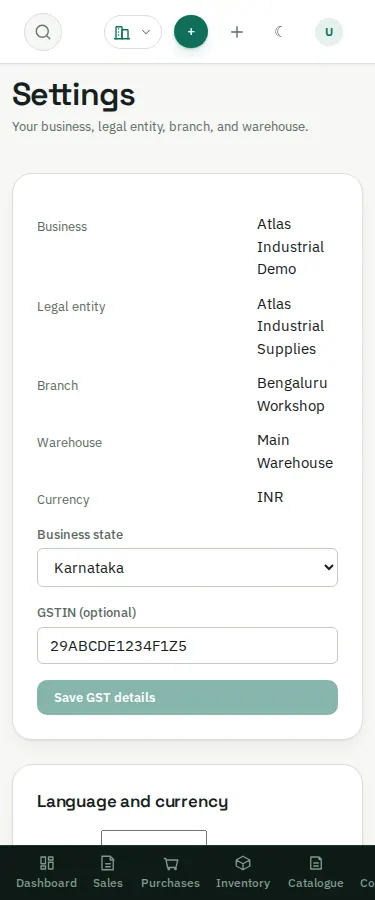
For printing or accountant handoff on a phone, use the device's download/share capabilities and check where the file was saved. A desktop is usually easier for reviewing large workbooks and multi-column registers.