
Contacts — /contacts
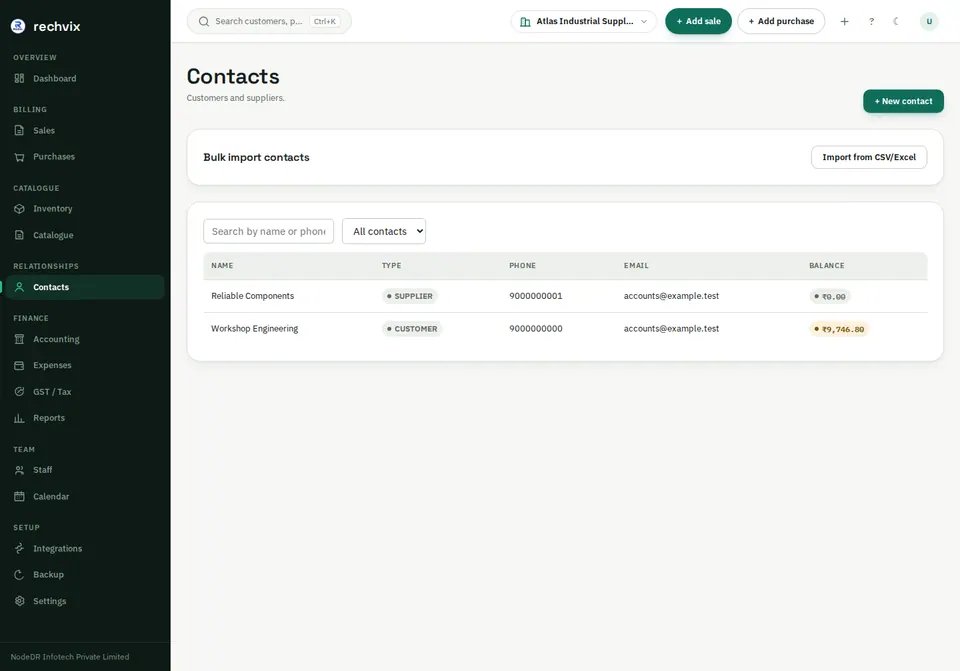
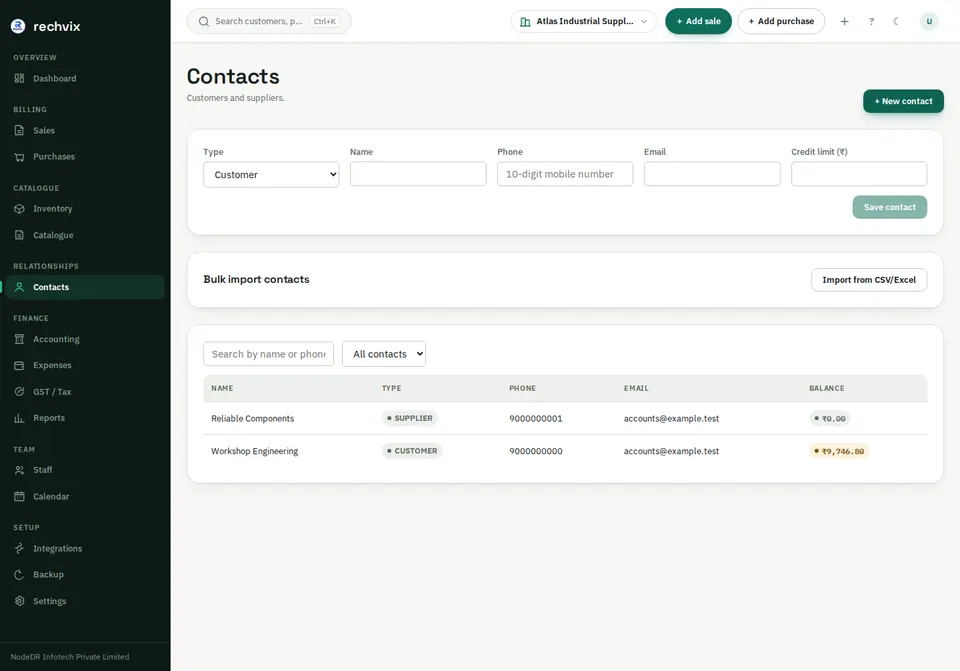
Search by name or phone and filter by customer/supplier type. Select + New contact, choose Customer, Supplier or Both, and enter the name and available contact details. For India, the phone field expects the local 10-digit format. Enter payment/credit terms deliberately.
 Open image in a new tab
 Open image in a new tab
Bulk import is available through Import from CSV/Excel. Preview before importing, and avoid creating duplicate phone/customer records.
Contact details — /contacts/:id
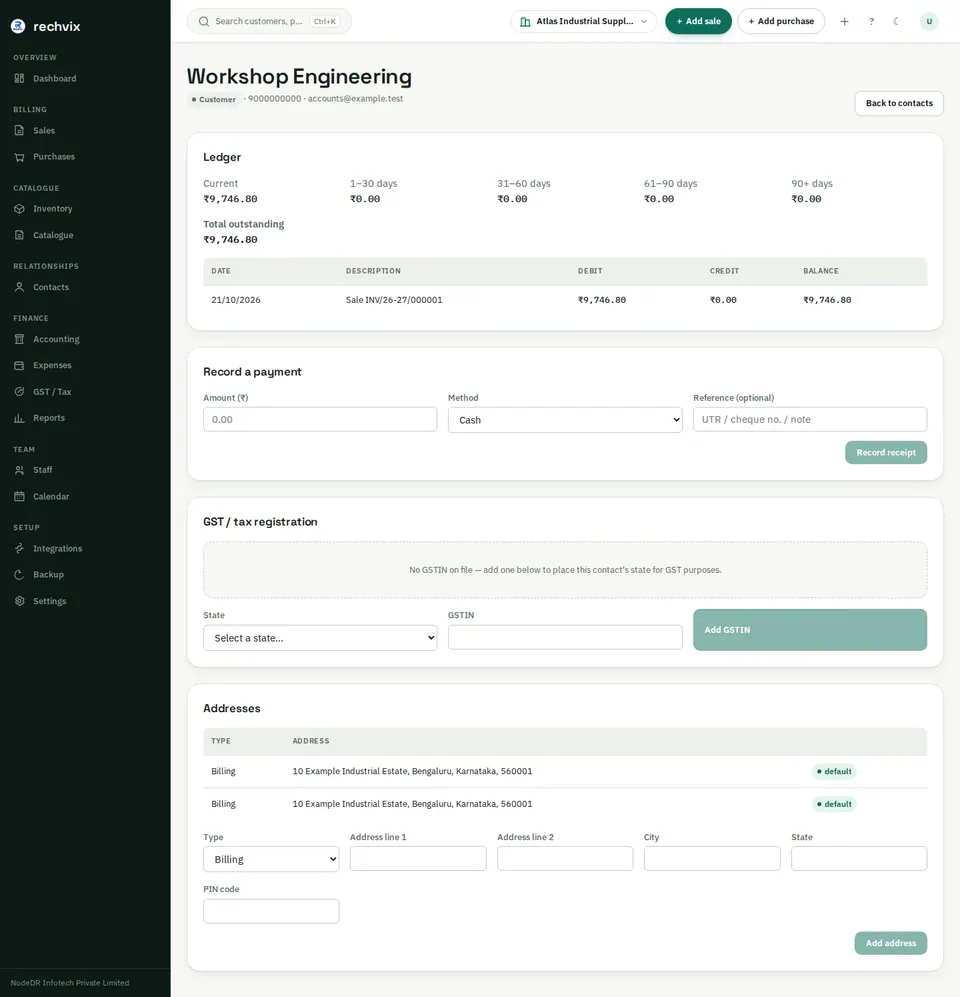
Open a contact to see its ledger and balance, record an on-account payment, manage tax registrations and add billing/shipping addresses. Choose the correct country and registration type. Address and tax information affect tax treatment and printed invoices.
The contact ledger shows financial movements and ageing. A payment entered here can be an on-account receipt/payment; use the invoice's payment panel when you need to associate it with a particular invoice.
 Open image in a new tab