
Purchases — /purchases
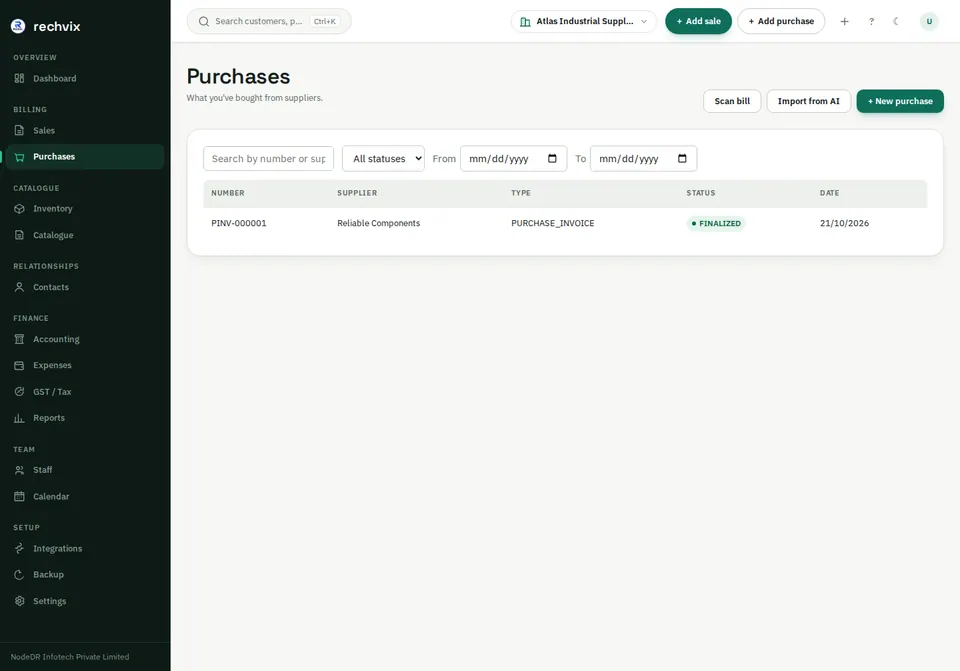
Search by number or supplier and filter status/date. Open a purchase number to inspect it. Scan bill and Import from AI assist entry; they still require human review.
 Open image in a new tab
Record a purchase
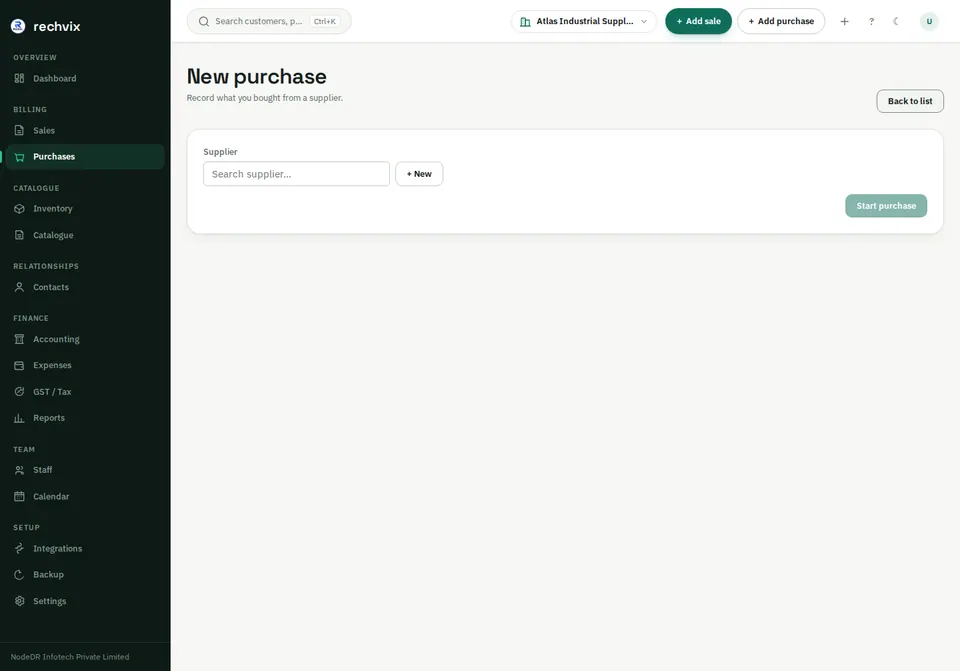
- Select + New purchase.
- Search for the supplier, select it, or use the inline new-supplier option.
- Select Start purchase.
- Search products, enter quantity and cost and add the lines.
- Compare the lines with the supplier invoice, including units, taxes and references.
- Finalize only when the receipt/invoice is correct. Verify the new stock movement and supplier payable.
 Open image in a new tab
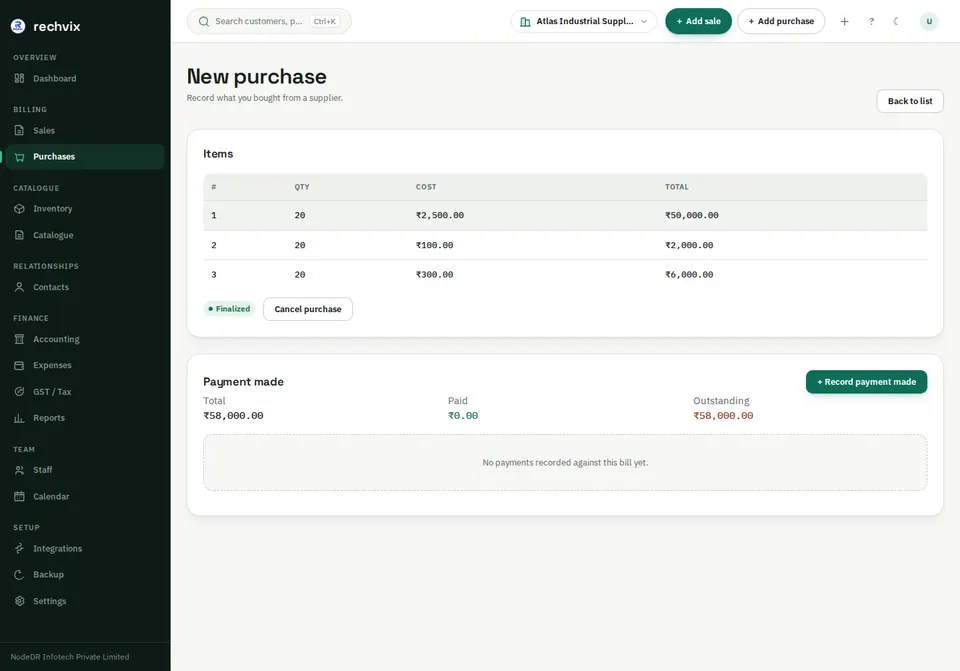
A purchase opens in the same /purchases page rather than a separate detail URL. The detail screen may retain the New purchase heading even when the selected document is finalized; use the status badge to determine whether it is editable.
 Open image in a new tab
Use + Record payment made to allocate a payment to this supplier bill, choose amount/method/reference and save. Confirm the remaining outstanding amount. Use Cancel purchase only when appropriate and review its stock/accounting effects.