
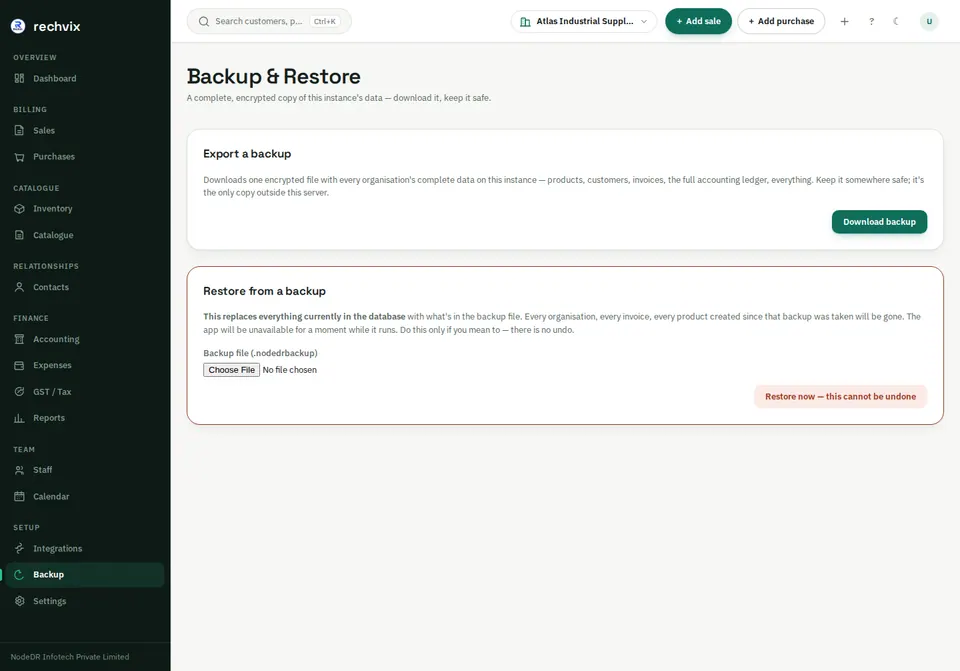
Backup & Restore — /backup
Export a backup downloads an encrypted .nodedrbackup file. Store backups securely away from the app's own disk and retain the encryption secrets needed for recovery. On CasaOS, back up the database and /DATA/AppData/rechvix/secrets together as described in the deployment guide. An operator must configure backup support; an unconfigured installation shows an explanatory message instead of working controls.
 Open image in a new tab
Restore from a backup replaces the entire instance database, including every organisation. Schedule downtime and make a current backup first. Select the intended backup, inspect its metadata, then type RESTORE only when you intend that replacement. Afterward, sign in and verify records. No restore was performed to produce this tutorial. See deployment and recovery instructions for operator prerequisites and recovery testing.