
Inventory — /inventory
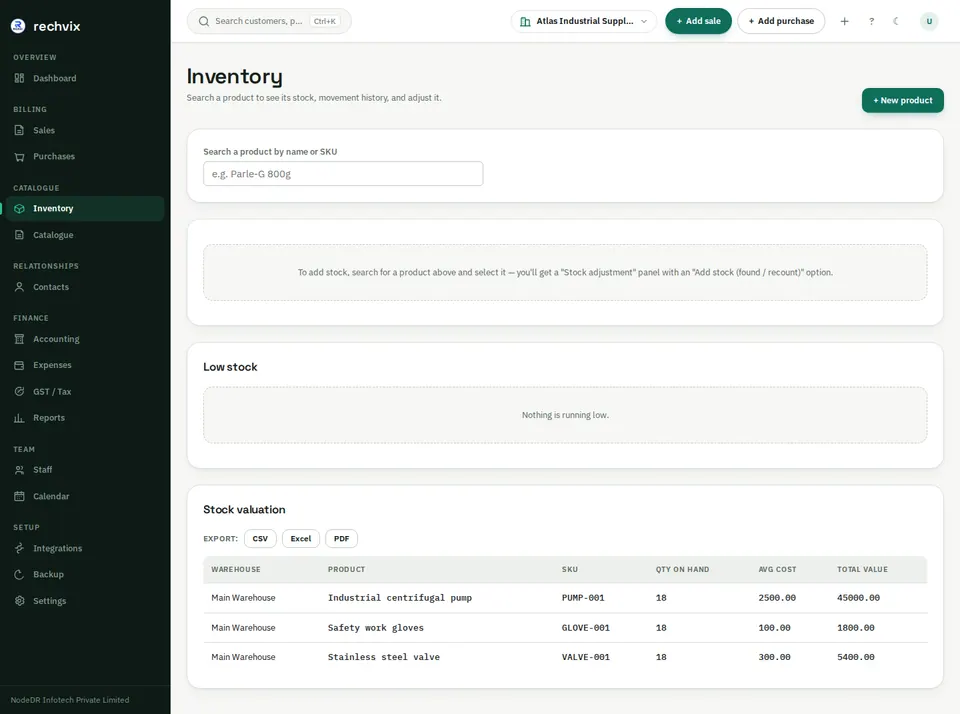
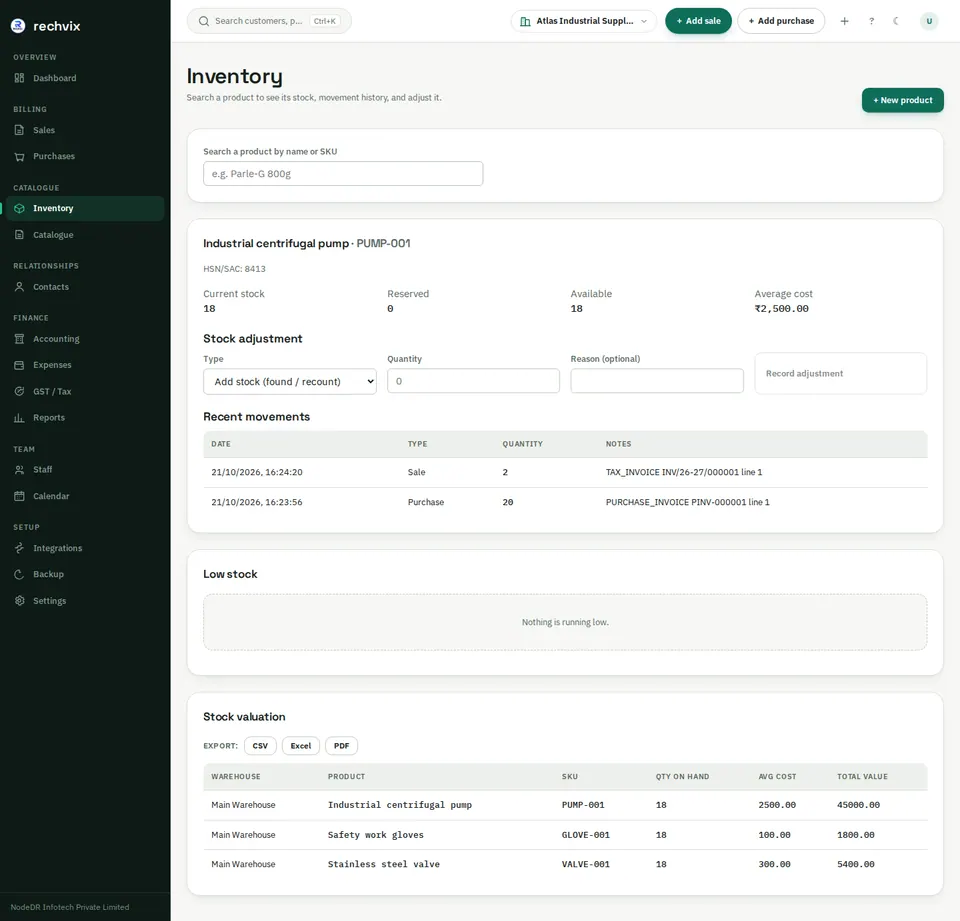
Search a product by name or SKU, then select its result. The stock card shows on-hand, reserved and available quantities, average cost and recent movements for the selected warehouse. The lower panels show low stock and stock valuation.
 Open image in a new tab
To correct a physical count, select a stock-adjustment type, enter the quantity required by that action and a reason, then record it. Check the new movement and balance. Use purchases to record stock received from suppliers and returns to record returned goods; stock adjustments are for corrections and the supported adjustment reasons.
 Open image in a new tab
The example purchase brought in 20 pumps and the finalized sale removed 2, leaving 18. Stock is maintained through recorded movements; it is not simply a number to overwrite.